

Managing your projects
Projects group your items by job - “Harborside Residence - Phase 1”, “Sunset Loft”, and so on. When every item carries a project, install requests, searches, and conversations with our team all get easier. The job is also how the rest of the portal labels your work: your installs and your will-call pickups are both listed with the project first, and your invoices tell you what each job has cost.
The Projects page in the sidebar lists every project on your account, with its status, target install date, and how many of its items are in storage with us. The one exception is a finished job we have archived for you, which is tucked out of view - see When a finished project is archived.
The item count on a project is what we are still holding for that job. Pieces already installed, picked up by your crew, or sent back to their vendor are not in it, so a project you have finished settles back to 0 items rather than reading full forever - see Pieces that have left our care. The same goes for the “not assigned to a project” count above the list.
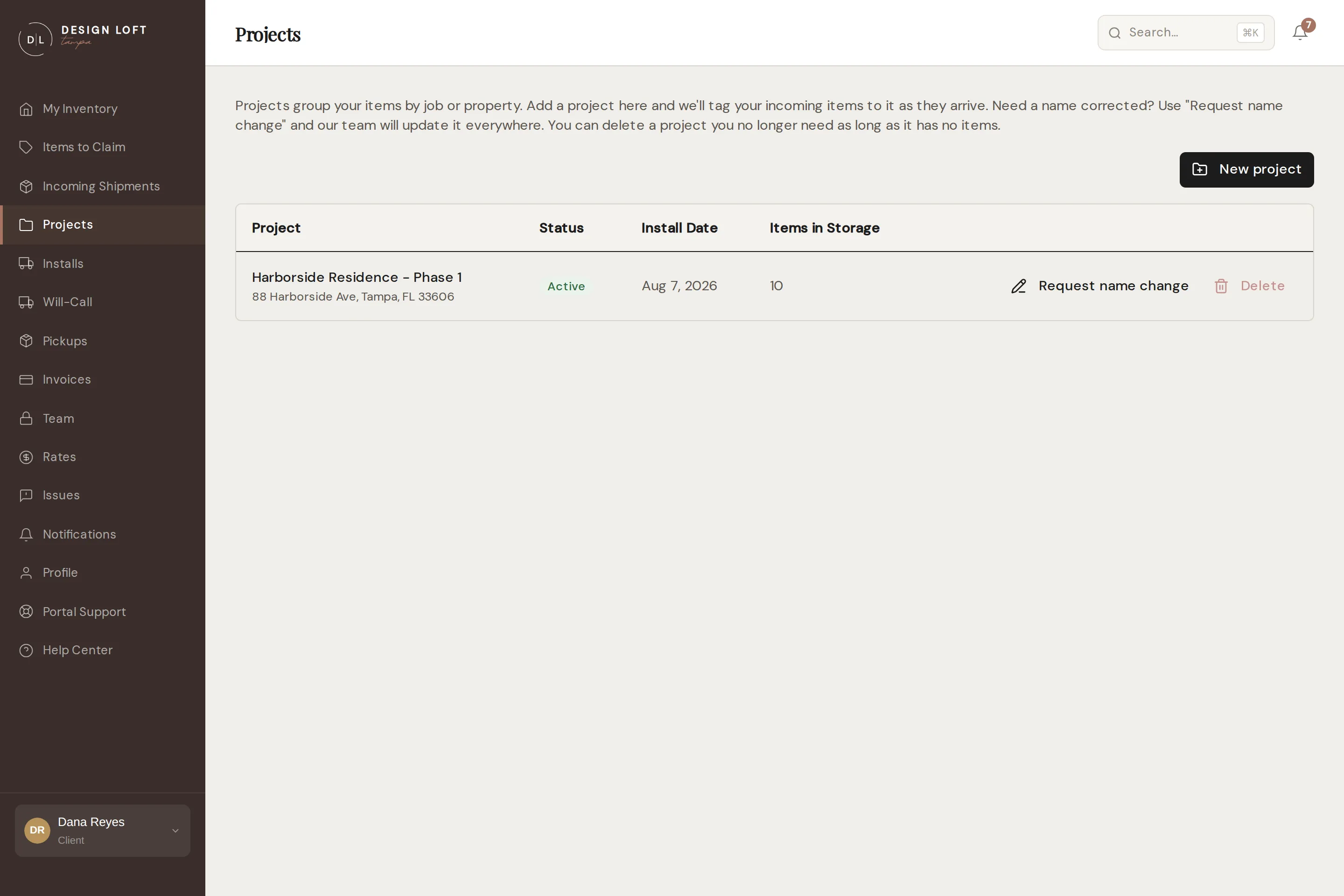
Adding a project
Section titled “Adding a project”- Open Projects in the sidebar.
- Select New project.
- Enter the project name - the delivery address, target install date, and notes are optional but help us plan.
- Select Add Project.
That’s it. Items we receive for you can now be tagged to the project, and it appears in every project dropdown across the portal.
What a job has cost you
Section titled “What a job has cost you”Every charge we bill carries the job it was for, so the portal can tell you what one project has cost across all your invoices instead of leaving you to pick it out of them by hand.
Open Invoices and look at Spend by project above the invoice list: a total for each job, a month window to narrow it to the period you are billing for, and a Statement button that gives you a PDF for that job alone, ready to attach to your own bill. See What each job has cost you.
This is the practical reason to keep items on the right project: a piece with no project has nowhere to put its storage and receiving, so those charges land under Account-level rather than on the job you would re-bill them to.
Renaming a project
Section titled “Renaming a project”Project names are printed on the labels already on your boxes, so renames are applied by our team rather than instantly. On the project’s row, select Request name change, enter the new name, and send it - we review the request, update the records and labels, and you will see the new name once it is done.
Deleting a project
Section titled “Deleting a project”A project with no items in storage can be removed: select Delete on its row and confirm. If the Delete button is grayed out, the project still has items with us - it can only be deleted once it is empty. Deleting cannot be undone, but you can always add the project again later.
A finished job counts as empty. Pieces already installed, picked up, or returned to their vendor do not hold a project open, so once the last piece leaves our care the project can be tidied away. Deleting it does not touch those pieces or their history - search for one by name any time to open its page, as in Pieces that have left our care.
If a piece from a finished job comes back to us and goes on the racks again, it counts on its project again and Delete goes back to being grayed out until it leaves a second time. That is the count doing its job: we really are holding something for that project again.
If you would rather the project be tucked away without being removed, we can archive it for you instead - see the next section.
When a finished project is archived
Section titled “When a finished project is archived”Once a job is completely wrapped up - every piece installed, picked up by your crew, or sent back to its vendor - our team can archive the project so your lists stay focused on the work still in motion. You can also ask us to archive a finished project any time.
An archived project comes off the Projects page and out of the project dropdowns across the portal, the same way finished pieces drop out of the everyday inventory list. A project is only ever archived once nothing of it is left in the warehouse, so it never takes live items with it.
Nothing is deleted. The project’s full history - its pieces, their photos, any issues, and all the paperwork - stays exactly where it was, and searching My Inventory still finds its pieces by name, as in Pieces that have left our care.
If the job starts up again, add a new project with the same name and the archived one simply returns, history and all. Or ask us and we will bring it back for you.
A project called “Unassigned (import)”
Section titled “A project called “Unassigned (import)””If your account came over from our previous system, you may see a project named Unassigned (import). It is not a job of yours: it is where pieces were parked when the older records did not say which job they were for. It used to read “Unknown”, which was easy to mistake for a real project, so we renamed it.
Nothing is wrong with those pieces, and most of them have long since been installed or collected. If any of them should sit under one of your real projects, tell us and we will re-file them - what they were billed for moves onto that job with them, on the invoices it is already on.
When items arrive without a project
Section titled “When items arrive without a project”If a shipment could not be matched to a project at receiving, those items are collected on the Assign a Project page (you will also see an Assign a project link on each such item’s detail page).
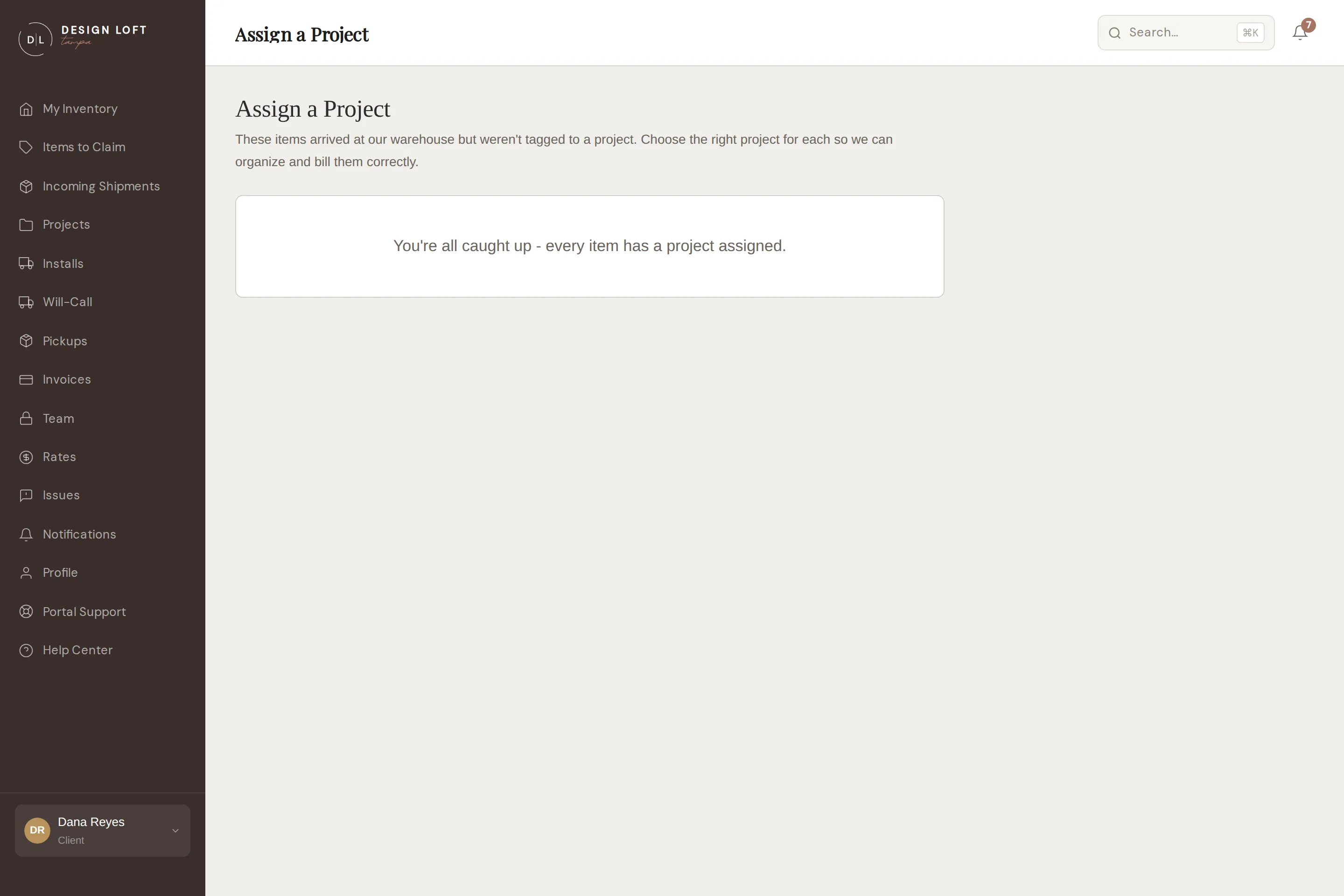
For each item, pick the project from the dropdown and select Save. Done - the item files itself under that job.
Worth doing promptly: a will-call pickup takes its job from the pieces on it, so a pickup made up of unassigned pieces has no job to name in your Will-Call list. And while a piece has no project, its storage and receiving are billed to your account rather than to a job, and show as Account-level on your invoices. Once it is assigned, its charges follow the project - the ones still to come, and the Account-level ones we have already invoiced, which are re-filed onto the job on the invoice they are already on as you save. The amounts and the invoice totals do not change, so a statement for that job simply picks up what belonged to it all along. One charge stays behind: crate and pallet handling belongs to the delivery rather than to a piece, so if you see it left under Account-level, tell us and we will file the delivery too. See Account-level charges.
The same holds if a piece was put on the wrong job rather than no job at all: a piece belongs to one job for its whole life with us, so correcting it moves everything it has ever been billed for onto the right job, on the invoices those charges are already on, as soon as the correction is made. Only the filing moves - never an amount or a total. Corrections to a piece that already has a project are made by our team, so tell us and we will sort it out.
The page only asks about pieces we are still holding. Anything already installed, picked up, or returned is left off it, so you are never filing paperwork on a piece that has long since gone out.