

Your profile
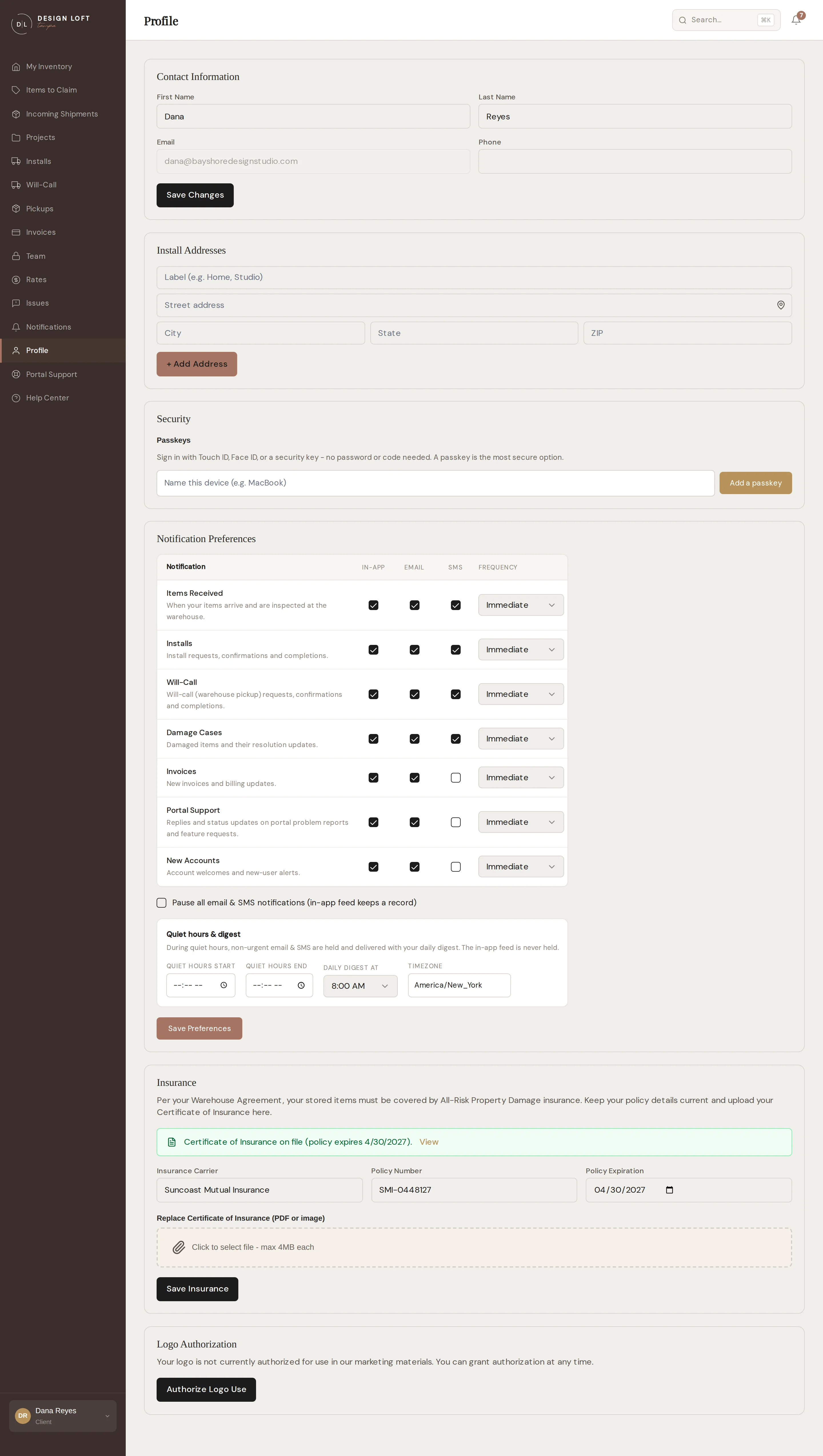
Profile in the sidebar is your personal settings page - each person on your team has their own.
Contact information
Section titled “Contact information”Your name and phone number, editable any time. Your email address is your sign-in identity, so it is shown but locked - contact us if it needs to change.
Install addresses
Section titled “Install addresses”Save the addresses you deliver to often. Saved addresses are offered in the install request form, so repeat sites are two clicks instead of a form. Add with + Add Address, remove with Remove.
Security
Section titled “Security”Manage your passkeys here - the fastest way to sign in on devices you use daily.
Notification preferences
Section titled “Notification preferences”Your personal notification setup lives here too - see Notification preferences.
Insurance
Section titled “Insurance”Your warehouse agreement asks that the items we store for you be covered by All-Risk Property Damage insurance. The Insurance section is where you keep that proof current: your carrier, policy number, policy expiration, and your Certificate of Insurance (the one-page document from your carrier that proves coverage, often called a COI).
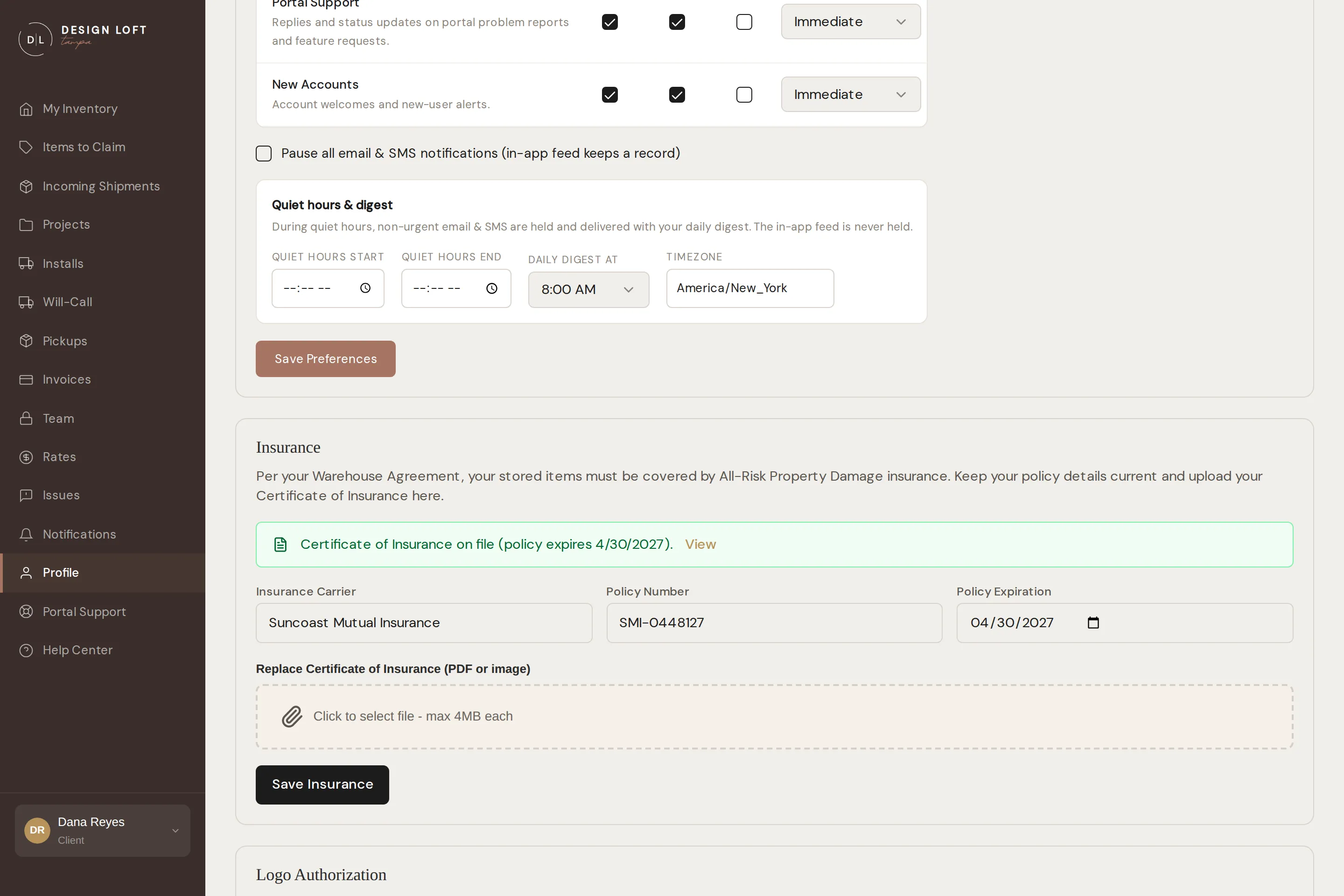
A green box means we have your certificate on file, along with the expiration date we have recorded. A yellow box means we are missing the certificate or the policy on file has expired.
To add or update your coverage:
- Open Profile and scroll to Insurance.
- Fill in or correct the carrier, policy number, and expiration date.
- Attach your current certificate - a PDF or a photo, up to 4 MB.
- Click Save Insurance.
You can open the certificate we have on file any time with View. When your policy renews, come back here and upload the new certificate so your file stays current.
Unlike the rest of this page, insurance belongs to your company, not to one sign-in: anyone on your team can see and update it, and it is the same set of details no matter who is signed in.
Documents
Section titled “Documents”Once your warehouse agreement is signed during onboarding, download it here any time as a PDF, complete with your signature and the date signed. (It is also on the dashboard under Your Documents.)
Logo authorization
Section titled “Logo authorization”This is where you say whether we may show your logo in our marketing materials, for example in a client list. You can change your mind as often as you like, and either choice takes effect immediately.
- If your logo is authorized, the section says so and offers Revoke Logo Authorization. Click it and we stop using your logo.
- If it is not authorized, the section says so - including the date you revoked it, if you did - and offers Authorize Logo Use. Click it and we may use your logo again.
Like insurance, this choice belongs to your company rather than to one sign-in, so anyone on your team sees the same setting.