

Payment methods
Your account keeps one payment method on file: a credit card or a bank account (ACH). It backs automatic billing and any charges you authorize.
Card or bank account?
Section titled “Card or bank account?”| Credit card | Bank account (ACH) | |
|---|---|---|
| Processing fee | Yes - added to each invoice we charge | None |
| Setup | Card number, expiry, CVC, ZIP | Routing + account number |
| Watch-outs | Expires and needs updating | None day to day |
Most clients choose ACH: no processing fee and nothing to expire.
The card fee is not charged when you save the card. It goes onto an invoice as its own line at the moment we charge that card, and only then - so an invoice paid by check or by a bank transfer you send never carries one. The current rate is on the Rates page under payment terms, and the fee is named on the card form before you confirm. See The processing fee when we charge your method on file.
Adding or updating your method
Section titled “Adding or updating your method”From Invoices, select Add Payment Method (or Update Payment Method). Pick Credit Card or Bank Account (ACH) at the top of the form.
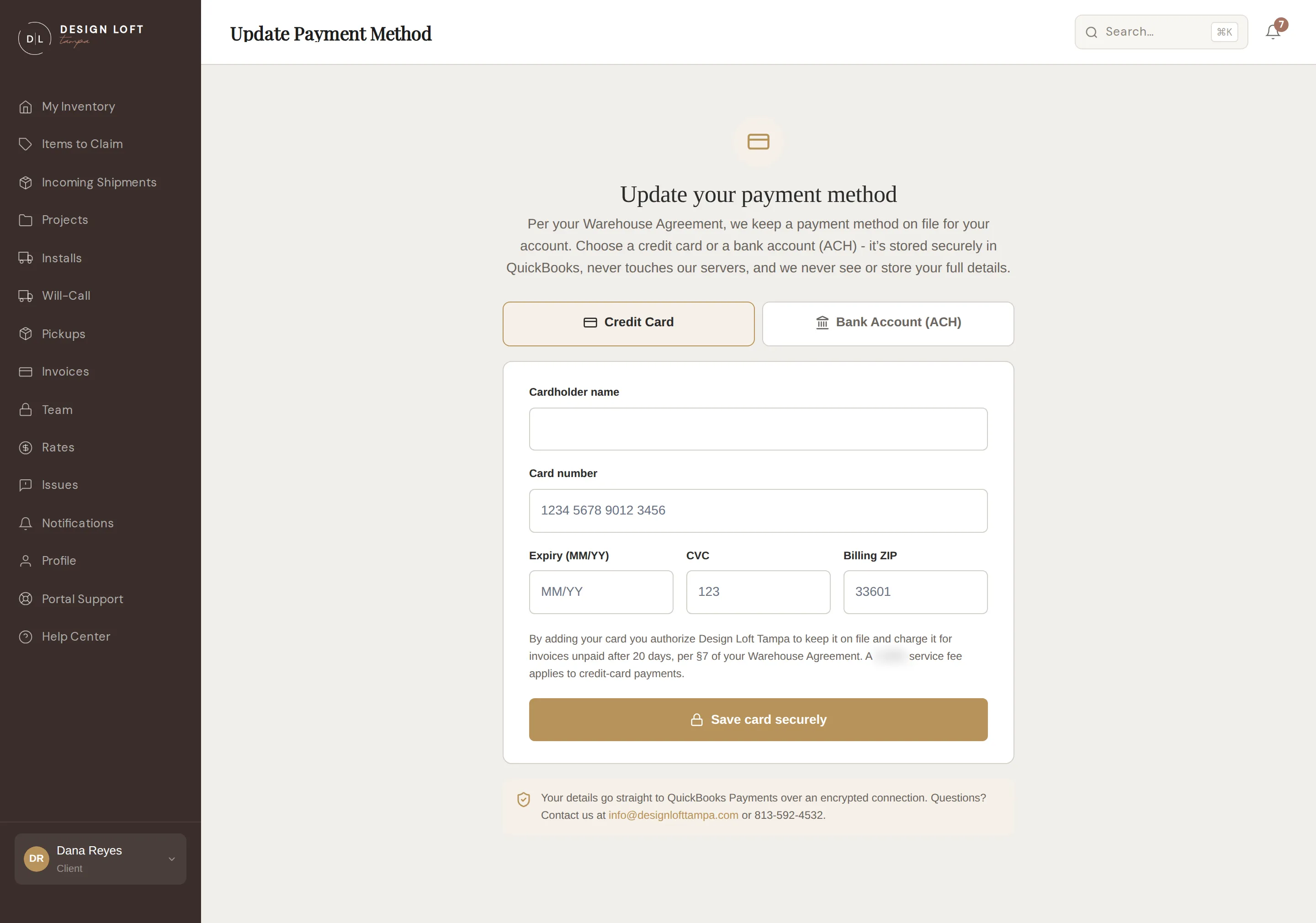
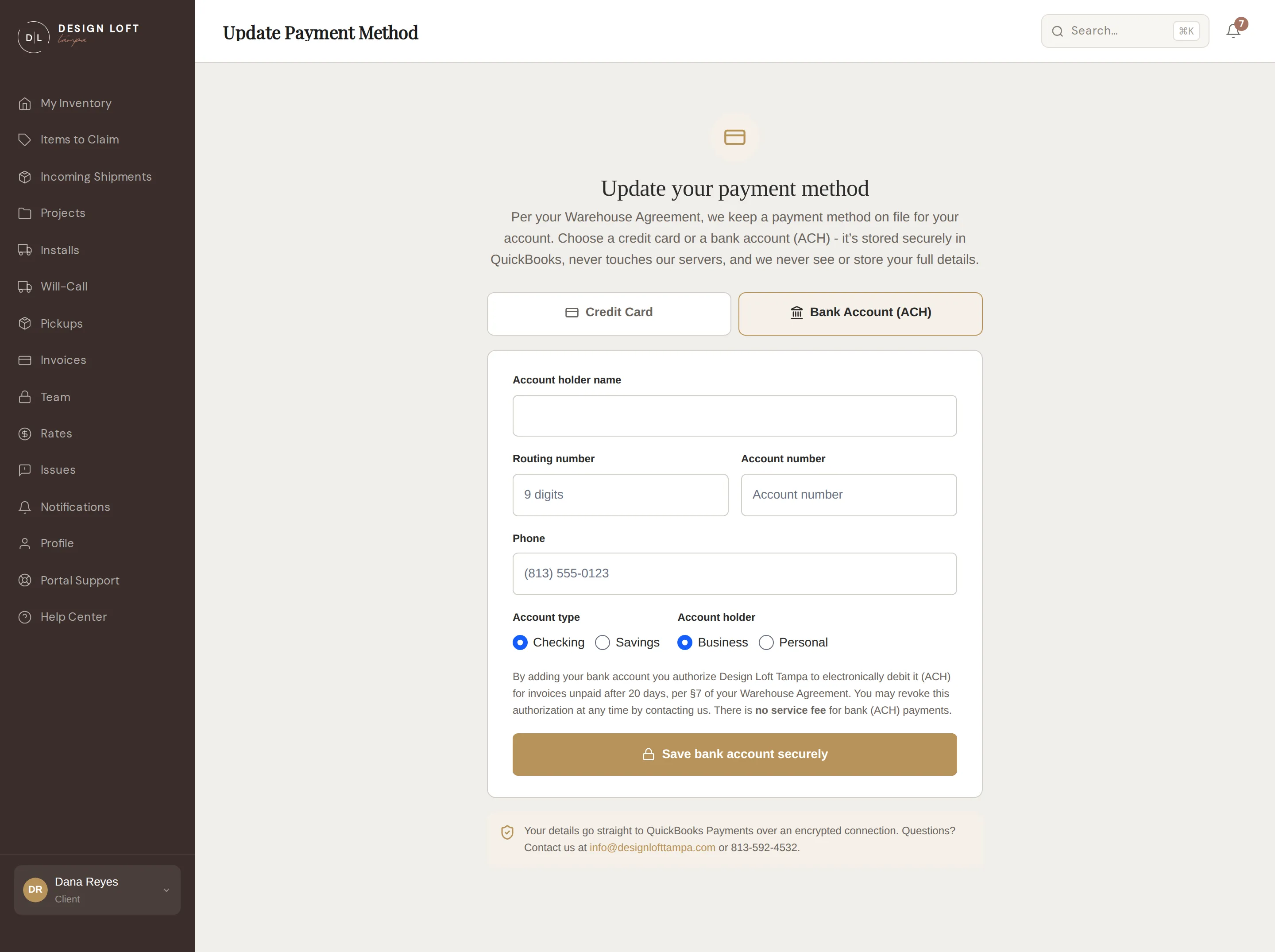
Your card or bank details go straight to our payment processor (Intuit QuickBooks) over a secure connection - Design Loft Tampa never sees or stores them. We keep only enough to recognize the method, like the card’s last four digits and its expiry date.
Saving a new method replaces the old one - there is exactly one on file at a time.
Card expiry
Section titled “Card expiry”If your card is nearing expiry, the Invoices page warns you, and once it lapses the portal asks for a fresh method before you continue. Updating takes a minute with the same form - or switch to ACH and retire the problem entirely.