

Claiming items
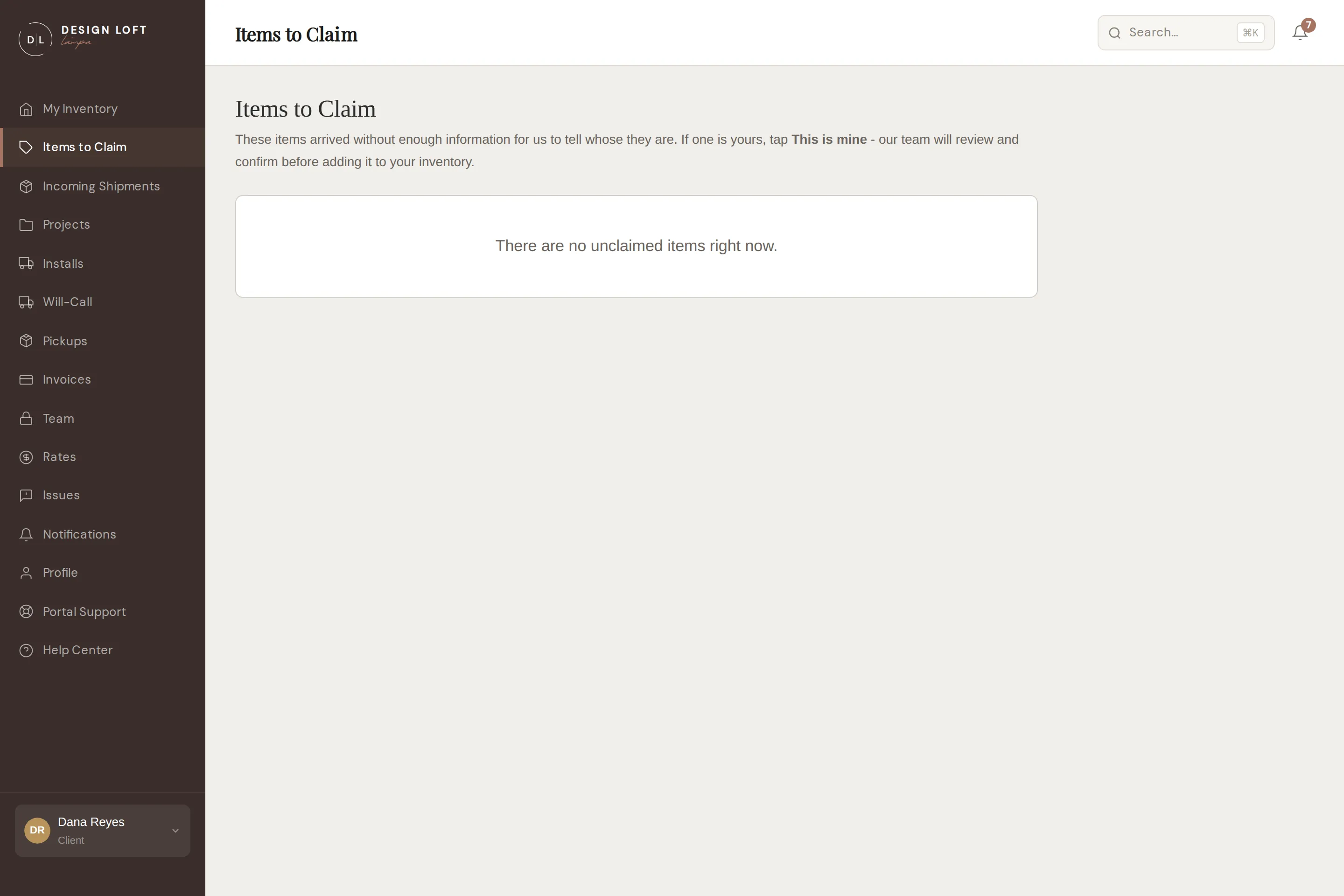
Sometimes a shipment arrives at the warehouse without a sidemark or paperwork that ties it to a client. When our office cannot work out whose it is, the item goes on Items to Claim, where every client can see it and claim their own.
Before an item reaches this page
Section titled “Before an item reaches this page”An unmarked arrival does not go on Items to Claim straight away. Our office looks at it first, because they often know whose it is - a vendor name, a PO number, or a piece they have been expecting for you is usually enough.
- If we know it is yours, we put it straight into your inventory and it never appears here. There is nothing for you to claim.
- If we cannot tell, we list it here and email every client to ask whether it is theirs. That email is your cue to take a look.
So a piece that went missing in transit may take a little while to show up on this page, or may turn up in your inventory instead. If you are still waiting on something, contact us - we may already be holding it.
How claiming works
Section titled “How claiming works”- Open Items to Claim in the sidebar.
- Browse the unclaimed items - each shows the photo we took at receiving, plus whatever details came with it. Pictures pulled from a vendor’s website are deliberately left off this page, since claiming a box off a marketing shot is how the wrong item gets claimed, so a few entries show no picture at all. See Pictures that came from the vendor.
- If one is yours, select This is mine.
- Our team reviews the claim against the shipment paperwork. Once confirmed, the item moves into your inventory like any other arrival.
While a claim is pending, the item shows Requested - pending review.
What a claimed item costs
Section titled “What a claimed item costs”A piece waiting to be claimed has still been received and still takes up room on our racks, but nobody is billed for it while we do not know whose it is. Once it is yours - because you claimed it, or because we worked out it was yours - its receiving, and its storage for any months it sat with us waiting, come over to your account with it. They appear on your next monthly statement, each line carrying the date the work actually happened, so you can tell which month it belongs to. Nothing is billed twice, and nothing is billed to anyone else in the meantime. See What is on an invoice.